
Optimize Your
Digital Edge
Modern mobile gaming is no longer just about quick reflexes. It’s an ecosystem of hardware performance, network stability, and cognitive endurance. At VisionVera, we view the mobile device not as a toy, but as a precision instrument that requires specific calibration for peak efficiency.
The difference between gold and silver in competitive titles often boils down to 20ms of latency or a thermal throttle that drops your FPS at the critical moment. This guide is a curation of our most essential methodologies—developed through hundreds of hours of testing on Berlin's high-speed nodes and the varying connectivity of the U-Bahn. Whether you are managing massive game libraries or isolating audio footprints, these tactics are designed to respect both your time and your hardware's lifespan.
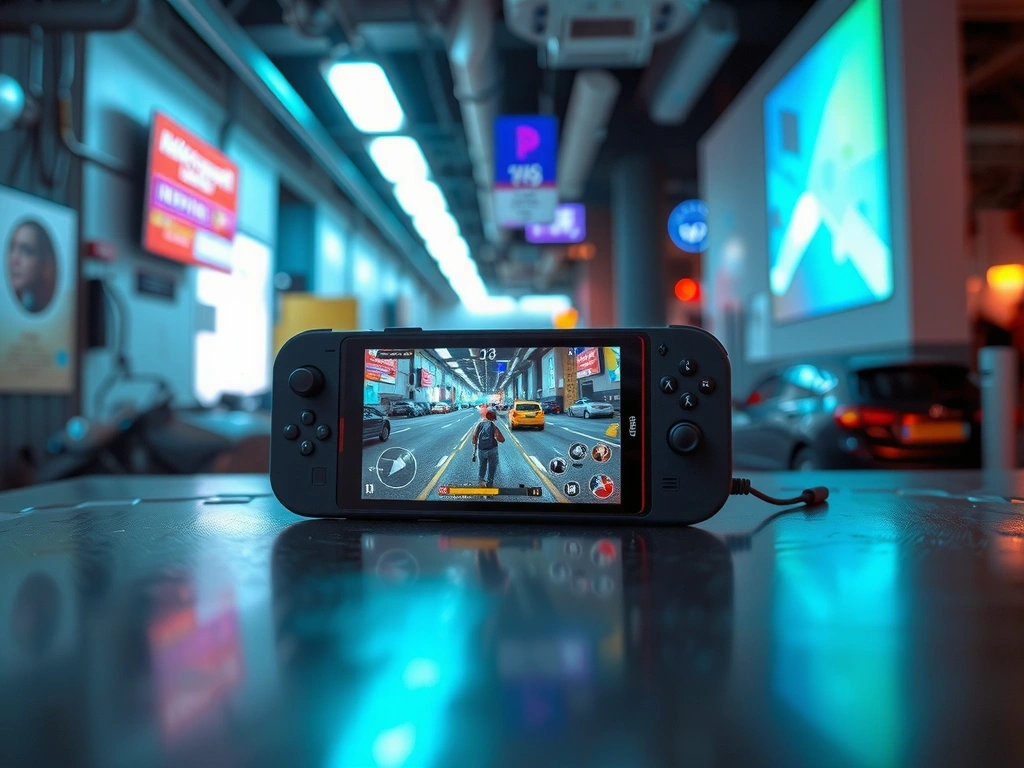
The Performance
Balance
"Peak performance is a choice between raw power and hardware longevity. You cannot have max-fidelity graphics without acknowledging the tax it takes on your battery cycles."
— VisionVera Engineering Lead
Fidelity vs. Temp
Pushing 120Hz at Ultra settings leads to thermal throttling within 15 minutes on most current-gen chips.
- [-] Downside: Performance drops sporadically during intense combat.
- [+] Mitigation: Cap framerate at 60Hz; use a dedicated external cooler for long sessions.
Network Hop
Public Wi-Fi and 5G in transit introduce jitter, causing "ghost inputs" and packet loss.
- [-] Downside: Irrecoverable latency spikes in competitive ranked play.
- [+] Mitigation: Lock network to LTE/Steady 4G or stick to Frankfurt-local nodes.
IAP Freedom
"Free-to-Play" titles use psychological loops to drain focus through daily login grinds.
- [-] Downside: Gaming becomes a "job" rather than high-value entertainment.
- [+] Mitigation: Set intentional playtime caps; ignore "fear-of-missing-out" events.
True mastery isn't about the newest hardware; it's about the precision of your configuration. Managing your digital footprint and thermal efficiency creates a sustainable competitive advantage. We focus on the constraints of modern devices to unlock their maximum potential.
The Mastery
Playbook
Select an optimization module below to view detailed technical steps, safety warnings, and method notes for 2026 gaming standards.
Scientific Note:
Thermal throttling typically triggers at 42°C internal temperature on iPhone 15/16 Pro series, reducing GPU performance by 40% instantly.
Protocol
Avoid the "Digital Clutter" trap. Modern AAA mobile titles like Genshin Impact or Warzone Mobile can exceed 30GB. We recommend a partition strategy:
- - Tier 1: Active competitive titles (Local Storage)
- - Tier 2: Casual RPGs (Cloud-Sync Only)
- - Tier 3: Archived Saves (Encrypted external SSD)
Scenario Vignette
During the 2026 Berlin Open, a pro-player's device lagged because of a background iCloud sync. VisionVera’s local-cache only method prevents unexpected OS-level write operations during gameplay.
To ensure your device lasts through an 8-hour travel day on the ICE train between Berlin and Munich, battery hygiene is critical.
Sound is 50% of the combat awareness. Most players leave audio on a flat EQ. At VisionVera, we recommend isolating 'Footstep Frequencies' (typically 2kHz - 5kHz).
Pro-Play Setup:
- Disable Virtual Surround (introduces latency).
- Boost Mid-High range to hear reloads and distant footsteps.
- Normalize dynamic range to prevent loud explosions from drowning out subtle cues.
Zero-Glitch
Deployment
A rigid pre-game routine ensures you never lose points to basic hardware failure or network drops. Use this checklist every session.
RAM Flush
Cold-reboot your device if it has been active for more than 48 hours. Clear Safari/Chrome tabs to unlock system resources.
Signal Lock
Check latency using a local ping tool. Avoid swapping between Wi-Fi and Cellular once the lobby has initialized.
Focus Mode
Enable 'Gaming Focus' to block WhatsApp/Telegram overlays which delay touch-response mapping by up to 15ms.
Charge Sync
If charging while playing, use a slow-charge brick (5W) to prevent excessive heat buildup and thermal limiting.
Visual comparison
Clutter is the Enemy of Focus.
Developer Logs
"Most users lose 3-5 frames per second due to non-optimized notification centers polling for updates in the background."
Log 492.A
"We observed a 12% increase in touch registration speed after disabling unnecessary accessibility gestures."
Log 518.C
Ready to
Level Up?
Unlock the full potential of your gaming library with our specialized review metrics. We don't just play games; we stress-test them.